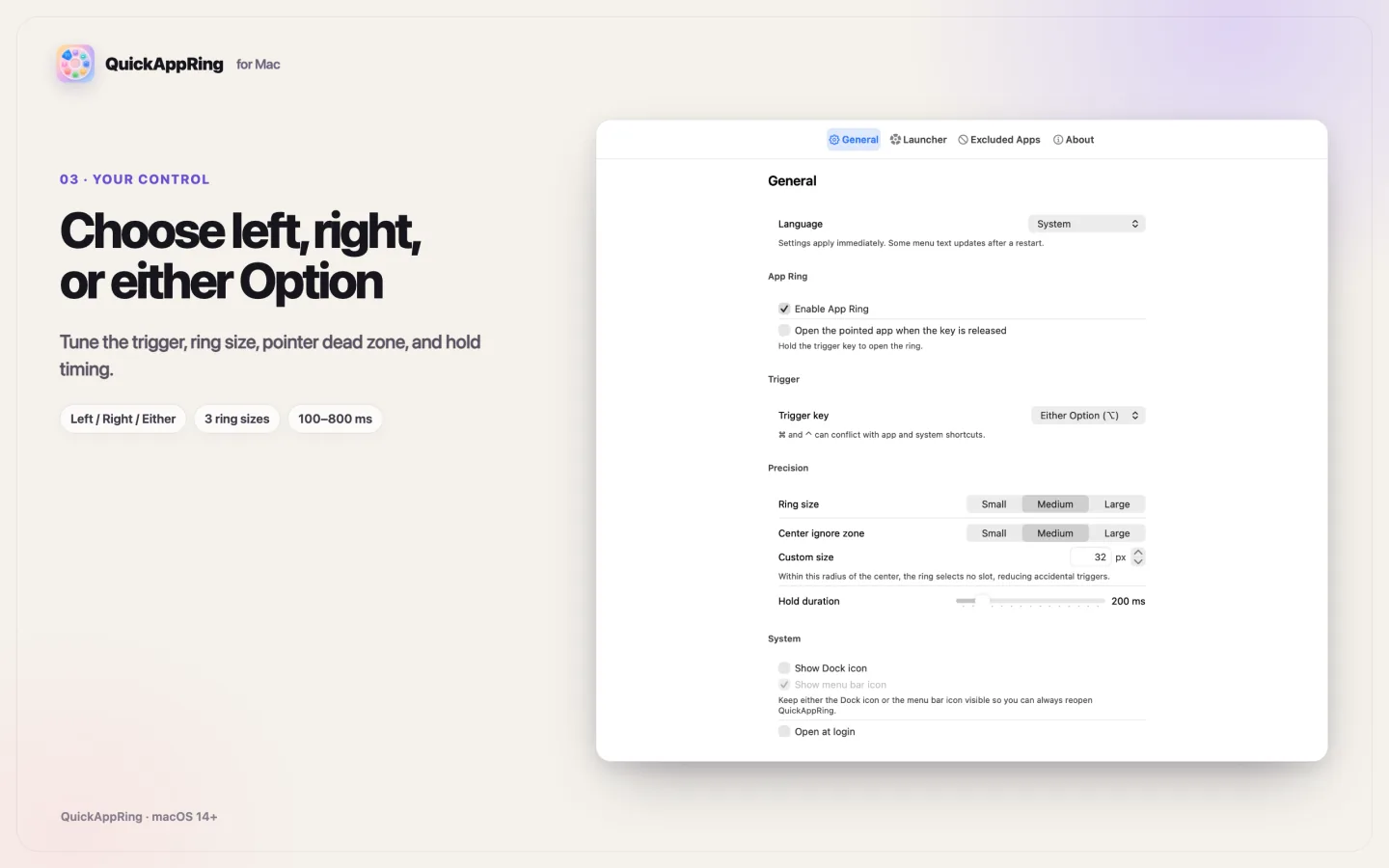
Choose left, right, or either Option.
Use Left Option by default, or choose Right Option, Either Option, Command, or Control. The top-row 1–9 keys map to slots 1–9, and 0 maps to slot 10.
 XBARA Studio
QuickAppRing for macOS
Your favorite Mac apps, ready when you are. Use Left Option+number to open an app instantly, or hold Left Option to reveal the App Ring and click an app.
Free · macOS 14+ · No account or subscription
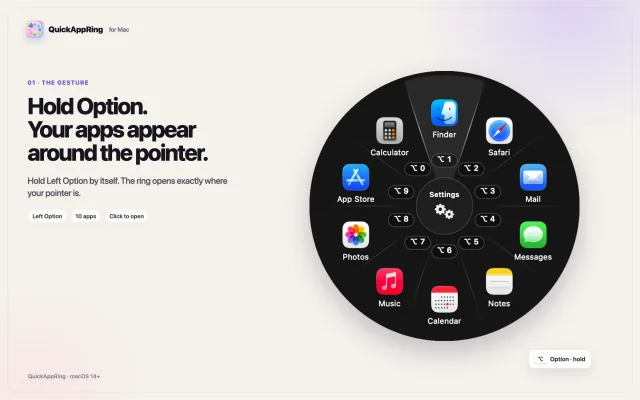
Option+number is the fastest route when muscle memory takes over. The App Ring keeps every slot visible when you want to choose with the pointer.
The working loop
Arrange the apps once. QuickAppRing stays out of the way until you press your chosen trigger.
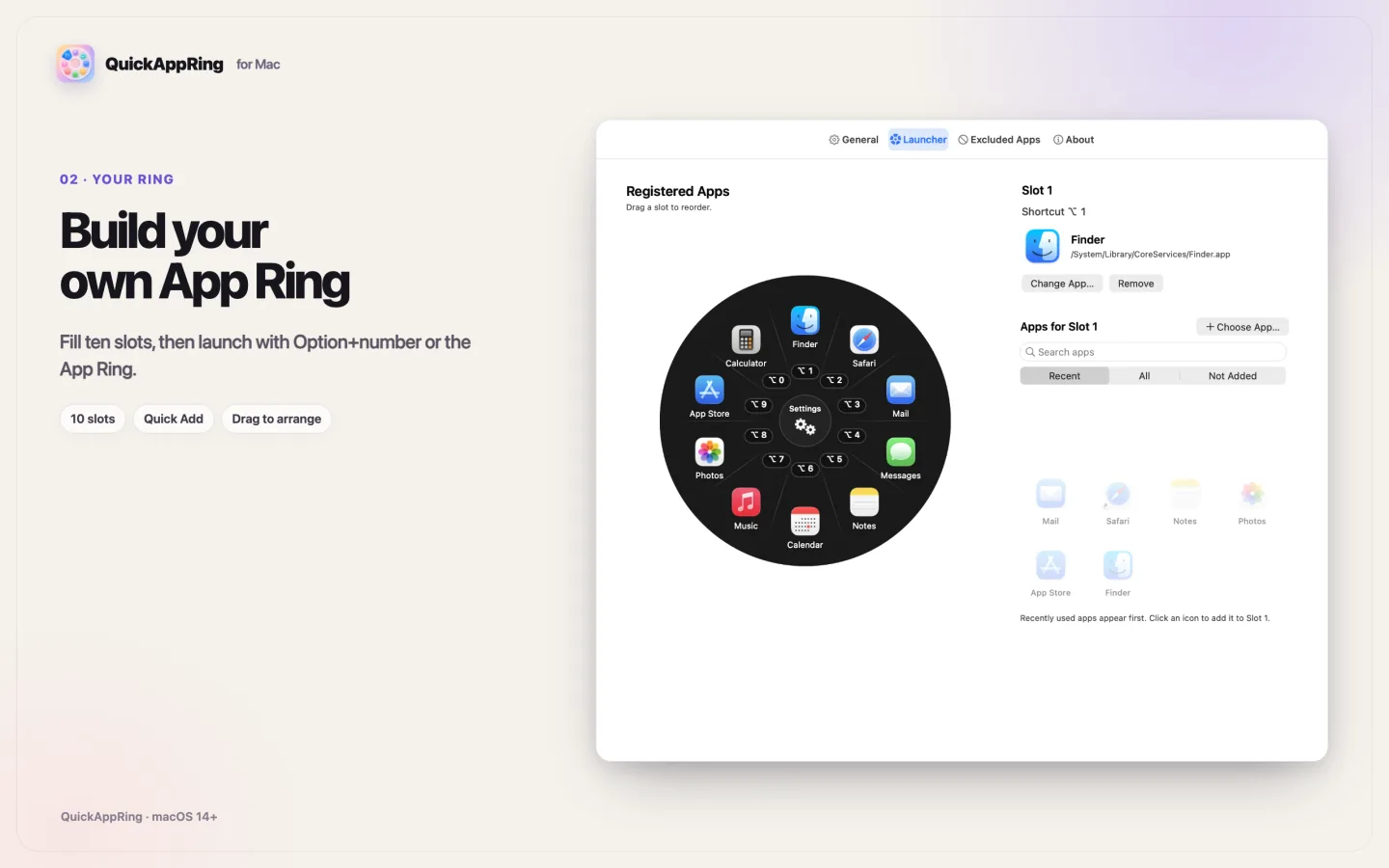
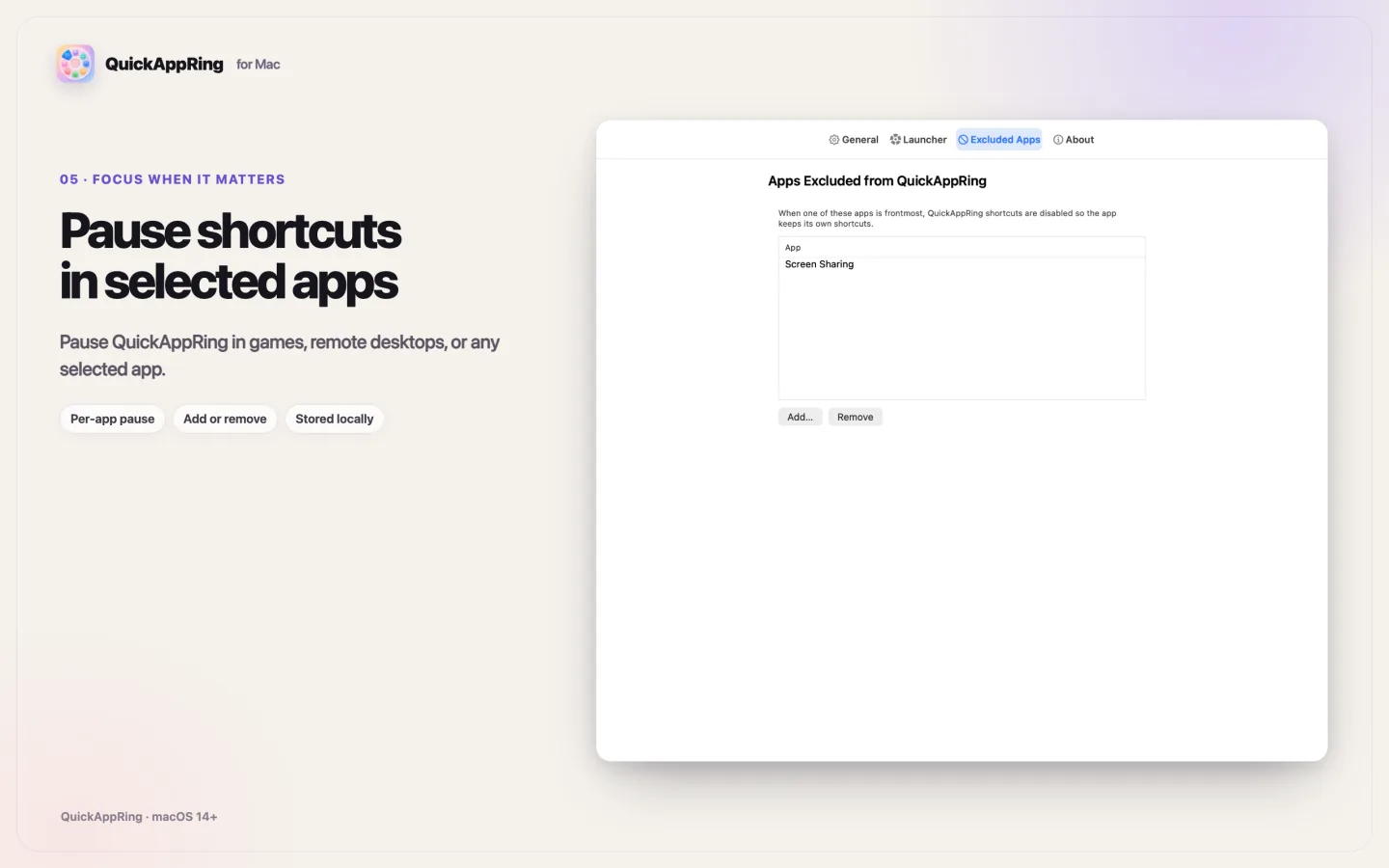
The fastest launcher is the one you do not have to think about. QuickAppRing keeps its controls explicit and its runtime narrow.
Use Left Option by default, or choose Right Option, Either Option, Command, or Control. The top-row 1–9 keys map to slots 1–9, and 0 maps to slot 10.
Tune hold duration, ring size, and the center ignore zone to reduce accidental selection.
The app is sandboxed and has no account, analytics, ads, tracking, subscription, in-app purchase, or network client entitlement. Your registered apps and settings stay on your Mac.
This 21.6-second animated product demo, made from production UI stills, shows both ways to move: a direct Option+number shortcut and the visual App Ring.
QuickAppRing 1.0
Free · macOS 14+ · Read support details